How Do I Edit the HTML Snippet?
Follow these instructions to learn how to make updates to your HTML snippet file:
-
On the website page, click the HTML snippet.
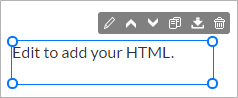
The settings panel opens on the right side of the Website Builder.
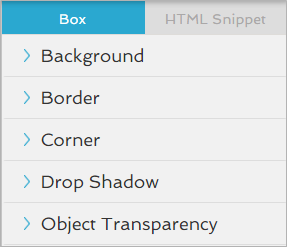
- Click the HTML Snippet tab.
-
Click the
 icon to open the Setup settings.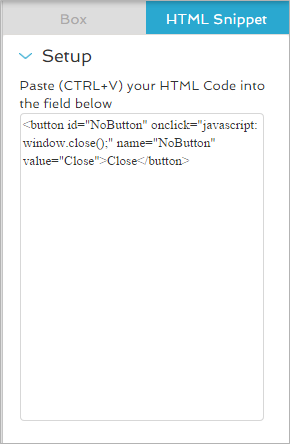
- In the text field, make any changes or updates to the HTML code.
-
Click the
 icon to close the settings.
Your HTML changes now appear on the website page.
 See These Related Topics